 Akshay Tyagi
In the modern digital enterprise, information is the most valuable currency. However, as organizations grow, data often becomes fragmented across dozens of disconnected applications—CRMs, ERPs, HR software, and cloud storage. The result? Information silos, decreased productivity, and frustrated stakeholders.
The solution lies in custom portal development. By building tailored intranets, extranets, and employee portals, businesses can create a “single pane of glass”—a centralized digital gateway that streamlines workflows, enhances collaboration, and secures sensitive data.
This guide explores the essentials of custom web portal software, detailing the differences between portal types, the benefits of custom versus off-the-shelf solutions, and the roadmap to building a successful enterprise platform.
What is Custom Portal Development?
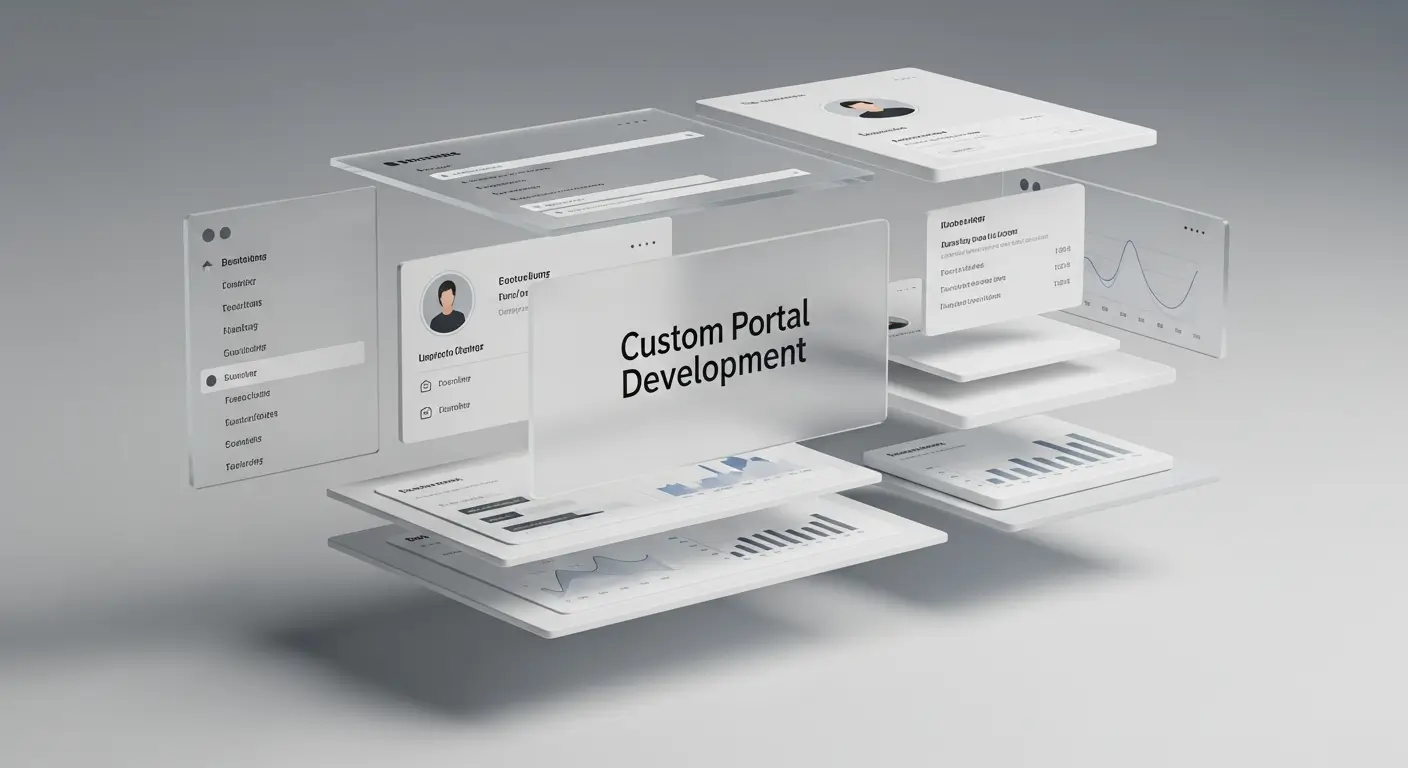
At its core, custom portal development is a specialized subset of enterprise software development services focused on the creation of a secure, unified web-based interface that provides personalized access to information, applications, and services. Unlike a standard website designed for anonymous traffic, a portal is designed for known users—employees, partners, or customers—who log in to perform specific tasks.
A robust portal acts as an integration layer. It pulls data from various backend systems (like Salesforce, SAP, or legacy databases) and presents it in a user-friendly dashboard.
To understand the landscape, we must distinguish between the three primary types of enterprise portals:
- Intranets: Internal networks accessible only to organizational staff.
- Extranets: Portals that allow authorized external parties (partners, vendors, clients) to access specific internal data.
- Employee Portals: Specialized hubs for HR self-service, onboarding, and workforce management.
The Build vs. Buy Debate: Why Choose Custom Development?
A common question for CTOs is:“Why build a custom portal when we can use SharePoint or ready-made SaaS solutions?”
While off-the-shelf platforms offer quick deployment, they often suffer from “feature bloat” or rigid architectures that force your business to adapt to the software, rather than the other way around.
Benefits of Custom Web Portal Software:
- Tailored Workflows: Custom development ensures the portal matches your exact business logic. If your logistics company needs a specific vendor approval process, a custom extranet can automate that exact sequence.
- Scalability: As your organization grows, a proprietary solution allows you to add modules without waiting for a vendor’s roadmap updates or paying exorbitant per-user licensing fees.
- Seamless Integration: Custom portals are built API-first. This ensures deep integration with your unique tech stack, eliminating the need for manual data entry between systems.
- Brand Consistency: A white-label custom portal looks and feels exactly like your brand, fostering trust with clients and employees.
- Security Ownership: You have full control over data residency, encryption standards, and access protocols, which is vital for industries like healthcare (HIPAA) and finance (GDPR/SOX).
The Three Pillars of Enterprise Portals
To execute a successful digital transformation strategy, it is crucial to understand the specific utility of each portal type.
1. Building Intranets: The Cultural Hub
Modern intranets have evolved far beyond the static file repositories of the early 2000s. Today, building an intranet is about creating a dynamic digital workplace.
- Knowledge Management: A centralized, searchable repository for SOPs, training videos, and corporate policies.
- Internal Communication: A space for company news, CEO updates, and social-style feeds to boost engagement.
- Collaboration: Integration with tools like Microsoft Teams or Slack to facilitate project management within the portal interface.
SEO Note: When searching for “intranet development,” businesses are often looking for ways to reduce email overload and improve knowledge retention.
2. Extranets: Bridging the Gap with Partners
An extranet connects your internal network to the outside world securely. It is the backbone of B2B relationships.
- Vendor Portals: Allow suppliers to view inventory levels, submit invoices, and track payments without emailing your procurement team.
- Client Portals: Provide customers with a secure environment to download reports, sign contracts, and view project milestones.
- Distributor Networks: Enable resellers to access marketing assets, place wholesale orders, and track shipments.
3. Employee Portals: Empowering the Workforce
While an intranet focuses on content, an employee portal (often called an HR Portal or B2E Portal) focuses on transactions and self-service.
- Onboarding: A guided checklist for new hires to submit tax forms, watch orientation videos, and set up IT accounts.
- Benefits Administration: Self-service tools for enrolling in insurance, requesting time off, and viewing pay stubs.
- Performance Management: Dashboards for tracking KPIs, submitting self-evaluations, and booking 1:1 reviews with managers.
Key Features of High-Performing Custom Portals
Whether you are building a B2B portal or an internal knowledge base, certain features are non-negotiable in 2026.
Advanced Role-Based Access Control (RBAC)
Security is paramount. A custom portal must allow granular permission settings. For example, a “Manager” might see team performance data, while a “Standard User” sees only their own. In an extranet, User A from Client X must never see data belonging to Client Y.
Enterprise Search Functionality
If users can’t find documents, they won’t use the portal. Implementing advanced search engines (like Elasticsearch or Apache Solr) allows users to index content across PDFs, emails, and database records, retrieving results in milliseconds.
Mobile Responsiveness and PWA
Work happens everywhere. Your portal must be fully responsive on smartphones and tablets. Developing a Progressive Web App (PWA) allows users to access the portal via an icon on their phone screen with offline capabilities, without the cost of developing native iOS/Android apps.
Dashboard Personalization
A generic homepage kills engagement. Custom portals should utilize dynamic widgets that display content relevant to the specific user—such as “My Pending Tasks,” “Recent Documents,” or “Department News.”
The Custom Portal Development Lifecycle
Building a portal is a complex engineering task. Following a structured Software Development Life Cycle (SDLC) is essential to avoid scope creep and ensure ROI.
Phase 1: Discovery and Requirements Engineering
Before a single line of code is written, you must define the “Why.” Conduct stakeholder interviews to identify pain points. Are vendors calling too much about invoice status? Is HR overwhelmed with PTO requests? These pain points define the feature list.
Phase 2: Architecture and UI/UX Design
Information architecture (IA) is critical. How will navigation be structured? Wireframes and prototypes should be created to map user journeys. The design should prioritize usability; if the portal is difficult to navigate, adoption rates will plummet.
Phase 3: Development and Integration
Developers build the frontend (React, Angular, Vue.js) and the backend (Node.js, .NET, Python). This phase involves building secure APIs to fetch data from your existing ERP or CRM systems.
Phase 4: Quality Assurance (QA) and Security Testing
Rigorous testing is performed to ensure the portal can handle user loads and is free of vulnerabilities. Penetration testing and vulnerability scanning are vital to ensure customer and employee data remains secure.
Phase 5: Deployment and Training
Launch the portal in phases (e.g., Beta launch to a small group). Provide training sessions and documentation to ensure users understand how to leverage the new tools.
Future Trends in Portal Development
As we move through 2026, several emerging technologies are reshaping custom portal development:
- AI-Driven Personalization: Machine learning algorithms that analyze user behavior to suggest relevant documents or contacts (e.g., “People who viewed this document also viewed…”).
- Chatbots and Virtual Assistants: Integrated AI support bots that can answer HR questions (“How many vacation days do I have left?”) or help clients troubleshoot issues instantly.
- Low-Code/No-Code Integration: Designing portals that allow non-technical administrators to update workflows or create forms without needing developer intervention.
Conclusion
In a business landscape defined by speed and data connectivity, relying on disjointed spreadsheets and email chains is a liability. Custom portal development offers a strategic advantage, transforming how your organization communicates, collaborates, and serves its clients.
Whether you need to streamline internal HR processes with an employee portal, secure your supply chain with a robust extranet, or foster culture with a modern intranet, a custom solution provides the flexibility and scalability off-the-shelf software simply cannot match.
Ready to centralize your data and empower your users?Investing in a custom portal is not just an IT upgrade; it is a fundamental shift toward a more efficient, connected, and agile enterprise.
Frequently Asked Questions (FAQ)
A: Costs vary wildly based on complexity. A basic employee directory might cost20k−40k, while a fully integrated enterprise portal with ERP connections can range from $75k to $200k+. However, the ROI comes from eliminated licensing fees and increased operational efficiency.
A: A typical timeline is 3 to 6 months. This includes discovery, design, development, and testing.
A: It can be. With a custom solution, you are not sharing a database with other tenants (as in some SaaS models), and you can implement security protocols that meet your specific industry compliance requirements.
A: Yes. One of the primary reasons to build custom is to bridge the gap between modern interfaces and legacy backend systems via API middleware.