 Akshay Tyagi
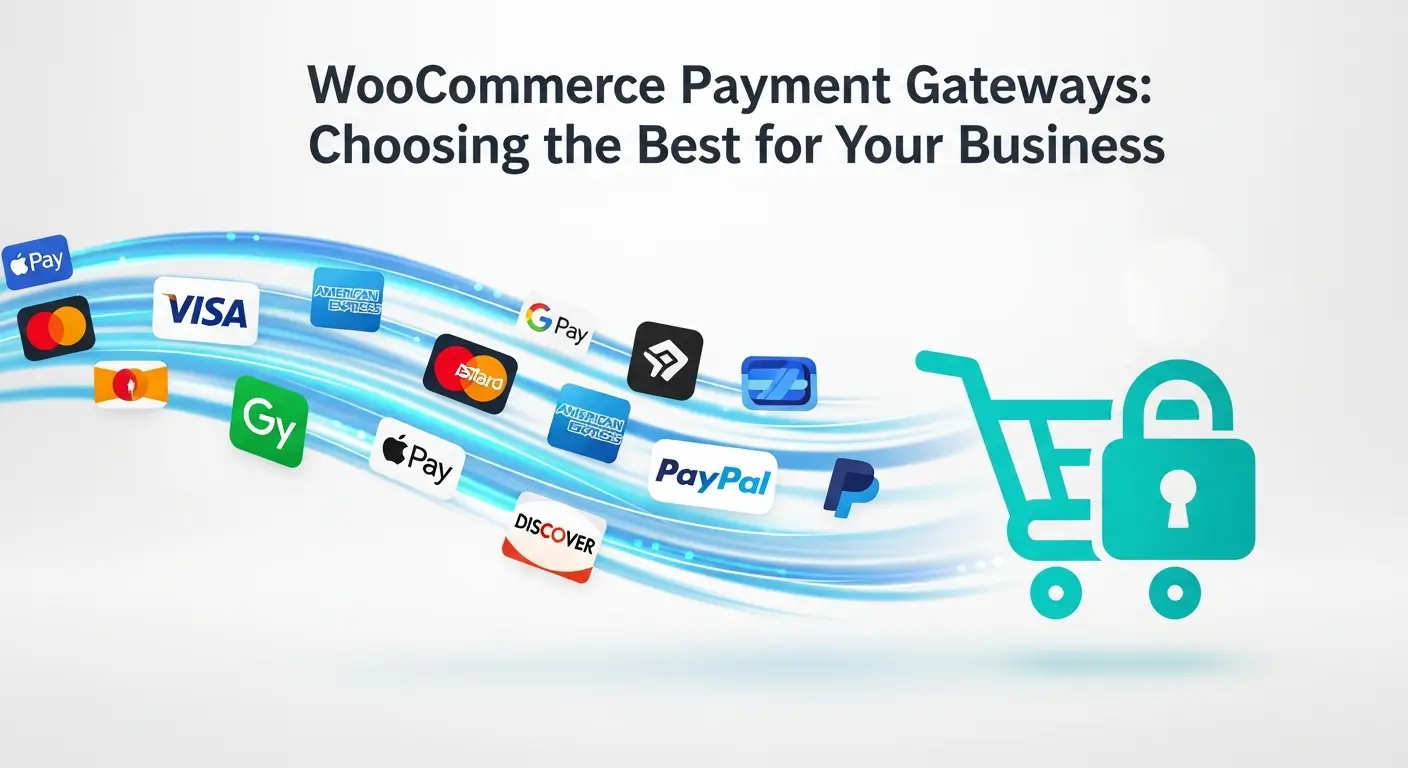
Choosing the right payment gateway for WooCommerce requires balancing transaction fees, customer payment habits, geographic currency support, and subscription capabilities. Selecting a gateway that supports native on-site processing and mobile digital wallets directly reduces checkout friction while keeping transaction costs manageable. By aligning your business model with the right processor, you establish a resilient transaction architecture that scales alongside your sales volume.
Key Takeaways
- Gateway architecture directly impacts revenue; according to Baymard Institute’s cart abandonment research, 70.22% of online shopping carts are abandoned, with checkout friction and hidden costs acting as primary drivers.
- Integrated payment gateways provide an on-site checkout experience that keeps shoppers on your store domain, while hosted off-site redirects introduce unnecessary conversion drop-off.
- Transaction costs involve multiple pricing layers beyond standard domestic rates, including cross-border fees, currency conversion markups, and dispute penalties.
- Stores selling recurring subscriptions or memberships must choose processors that provide native tokenization and automated card account updater capabilities.
- Pairing a primary credit card gateway with express digital wallets such as Apple Pay, Google Pay, or regional options like UPI significantly accelerates mobile purchases.
Understanding WooCommerce Payment Architecture: Hosted vs. Integrated Gateways
A payment gateway connects your WooCommerce store to the financial networks that authorize, process, and settle customer transactions. Within the WordPress ecosystem, gateway extensions operate under two technical models: hosted redirects and integrated on-site processors. Understanding the architectural differences between these models is essential for balancing checkout conversion rates against security responsibilities.
Hosted gateways direct the buyer away from your storefront to a secure payment page managed by the third-party processor. After the customer authorizes the transaction, the external processor sends an automated webhook back to your server and routes the customer to your order confirmation page. While hosted redirects simplify Payment Card Industry (PCI) compliance by keeping payment forms off your server, the visual departure from your store domain frequently triggers customer hesitation and elevated drop-off rates.
Integrated gateways embed payment input fields directly within your WooCommerce checkout page using secure iframes or JavaScript tokenization libraries. Customers enter payment credentials without ever leaving your checkout flow, preserving brand consistency. Sensitive cardholder data transmits directly from the customer’s browser to the processor’s secure vault, returning an encrypted payment token to your WordPress database. For modern ecommerce businesses prioritizing conversion rate optimization, integrated gateways serve as the standard architecture.
In practice, the most time-consuming conflicts show up when a theme or a custom checkout block hard-codes assumptions that a particular gateway plugin doesn’t expect — things like assuming a single-page checkout DOM structure when the gateway plugin injects its own iframe fields dynamically. Field-validation hooks are the other common culprit: a custom checkout field (like a GST number or a delivery instruction) that isn’t registered through the WooCommerce Blocks API can silently break at the exact point a tokenized payment field tries to mount. The fix usually isn’t glamorous — it’s re-testing every gateway against the checkout block version after any WooCommerce core update, because both sides ship independently and compatibility isn’t guaranteed.
Core Criteria for Evaluating WooCommerce Payment Gateways
Selecting a payment processor requires evaluating technical capabilities against your operating model. Choosing an integration based solely on brand familiarity often introduces excessive transaction expenses, brittle webhook connections, or unexpected payout delays.
Transaction Fees and Total Cost of Ownership
Every payment processor charges for moving capital, but their pricing models vary across domestic, international, and multi-currency transactions. Most merchant processors apply a percentage-based charge paired with a fixed per-transaction fee. Evaluating the total cost of ownership requires looking past standard domestic headline rates. International card surcharges, currency conversion margins, chargeback dispute assessments, and monthly merchant fees compound rapidly as sales volume scales.
Geographic Reach and Currency Settlement
Your target buyer demographics dictate your gateway requirements. If you operate an international storefront, your processor must accept transactions in multiple local currencies while allowing settlement into your business bank accounts without forced conversion. Processors that automatically convert incoming foreign currencies into your home currency often impose internal exchange rate markups. Selecting a gateway supporting multi-currency settlement protects profit margins across cross-border sales.
Support for Recurring Billing and Subscriptions
Businesses selling recurring memberships, digital retainers, or physical subscription boxes require specialized payment processing logic. Not every gateway supports automated renewal intervals, failed payment retries, or card tokenization. If your business utilizes the WooCommerce Subscriptions extension, confirm that your prospective processor natively supports payment tokenization and automatic subscription lifecycle events before committing to an implementation.
Mobile Wallets and Alternative Payment Methods
Shoppers increasingly avoid typing 16-digit credit card numbers on mobile devices. Express checkout options like Apple Pay, Google Pay, and Link accelerate mobile transactions by retrieving authenticated payment and shipping details with a single touch. Furthermore, regional markets demand specific local payment methods, such as Unified Payments Interface (UPI) in India, iDEAL in the Netherlands, or Bancontact in Belgium. Omitting these regional options directly reduces checkout conversion.
Developer Tooling, Webhook Reliability, and Plugin Maintenance
Payment gateways rely on robust webhook delivery to confirm payment states and advance order statuses in WooCommerce. Unreliable webhook listeners cause delayed order fulfillment, incomplete inventory decrements, and manual reconciliation overhead. A reliable gateway extension must offer active compatibility with core WordPress updates, comprehensive sandbox testing environments, and detailed error logging.
Top WooCommerce Payment Gateways Compared
The WooCommerce ecosystem offers numerous payment integrations, but selecting the right option depends on your geographic market, transaction volume, and operational needs.
Stripe
Stripe is widely utilized for custom WooCommerce storefronts due to its developer tooling, stable API infrastructure, and global documentation. It supports transactions in more than 135 currencies alongside dozens of local payment methods through a single integration. At the time of writing, Stripe’s official pricing page specifies a standard domestic card fee of 2.9% plus $0.30 per successful charge in the United States, alongside an additional 1.5% surcharge for international cards and a 1% fee for currency conversion. Stripe includes machine-learning fraud detection through Stripe Radar, making it well-suited for businesses requiring customized checkout logic and international scale.
WooPayments
WooPayments is the native payment solution developed and maintained directly by the WooCommerce core team. Built on Stripe’s underlying infrastructure, it enables store managers to monitor transactions, deposits, dispute challenges, and refunds directly within the WordPress administrative dashboard. WooPayments embeds processing, disputes, and deposits directly within the WordPress admin dashboard while applying per-transaction fees that scale with cross-border sales and currency conversion. It eliminates the friction of managing separate third-party merchant portals, making it practical for operators seeking unified dashboard management.
PayPal
PayPal provides widespread brand recognition and buyer familiarity across international markets. The modern PayPal Complete Payments integration allows merchants to process standard credit cards directly on-site while presenting familiar PayPal wallet and installment options. Displaying PayPal alongside a primary card processor provides an established payment method for customers who hesitate to enter credit card details directly. However, managing dispute resolutions and navigating account reserve policies on PayPal often requires diligent operational oversight.
Square
Square is an effective solution for retail businesses that operate an online WooCommerce shop alongside a brick-and-mortar retail storefront. It synchronizes catalog inventory, sales reporting, and customer data across physical point-of-sale hardware and digital store checkouts. For omnichannel retailers, Square prevents inventory discrepancies between in-person cash registers and digital carts.
EnKash
The EnKash Payment Gateway serves merchants processing transactions primarily within the Indian domestic market. It offers comprehensive domestic payment rail coverage, including Unified Payments Interface (UPI), domestic debit and credit cards, net banking, digital wallets, equated monthly installments (EMI), and Buy Now, Pay Later (BNPL) options. EnKash supplies a ready-to-use WooCommerce plugin alongside modular APIs, mobile SDKs, webhooks, and sandbox environments for custom checkout designs. Its merchant dashboard provides real-time transaction tracking, status monitoring, automated settlement reconciliation, and refund management with no upfront setup fee. However, international payment acceptance is currently unavailable, making it focused specifically on domestic collections, and exact transaction charges require contacting their sales team for a custom rate schedule.
The friction we see most often with agency clients running multi-currency WooCommerce stores isn’t the dispute rate itself — it’s reconciliation lag. When a gateway settles in a currency different from the store’s base currency, the payout amount landing in the bank rarely matches the order total shown in WooCommerce, because the conversion markup is applied after the order is marked paid. That mismatch creates manual bookkeeping work every settlement cycle unless the store is on a processor that reports the converted amount back via webhook metadata.
Payment Gateway Comparison Matrix
| Payment Gateway | Integration Style | Best Suited For | Alternative Payment Support | Recurring Payments Support |
| Stripe | Fully integrated on-site via custom elements or blocks | High-volume stores and custom ecommerce builds | Extensive global wallets, BNPL, and local bank transfers | Native support for tokenization and automated renewals |
| WooPayments | Fully integrated inside WordPress dashboard | Store owners seeking unified admin management | Major digital wallets and select regional payment methods | Full compatibility with recurring subscription plugins |
| PayPal | Integrated smart buttons and hosted wallet modal | International stores needing high brand trust | PayPal balance, Venmo, Pay in 4, and major cards | Supported through modern merchant processing integrations |
| Square | Integrated checkout with POS synchronization | Omnichannel retailers with physical stores | Digital wallets and in-person tap-to-pay options | Standard recurring billing support for basic subscriptions |
| EnKash | Ready-to-use plugin or modular API integration | Domestic Indian commerce and B2B enterprises | UPI, domestic cards, net banking, wallets, EMI, and BNPL | Tokenization and recurring mandate capabilities |
Step-by-Step Gateway Selection Framework for Store Owners
To avoid costly platform migrations and unexpected transaction fees, evaluate your store requirements against this systematic framework before selecting a payment extension.
- Map customer geographic distribution: Audit your web analytics to identify the primary countries generating traffic. Ensure your prospective gateway supports those regions natively and allows settlement in local currencies without forced conversion markups.
- Calculate effective processing margins: Analyze how fixed and variable gateway fees affect your average order value. Low-ticket items are heavily impacted by flat per-transaction fees, while high-ticket catalogs suffer under elevated percentage charges.
- Verify technical plugin compatibility: Check that the gateway extension receives active security maintenance and supports the latest WooCommerce features, including High-Performance Order Storage (HPOS) and Gutenberg checkout blocks.
- Audit fraud prevention capabilities: Confirm whether the gateway provides automated fraud scoring, 3D Secure 2 authentication, and address verification services (AVS) to prevent unauthorized transactions and chargeback penalties.
- Implement secondary payment fallbacks: Configure a primary credit card processing gateway paired with an express digital wallet or PayPal fallback. Maintaining a secondary processor ensures transactions continue processing smoothly if an API outage impacts your primary gateway.
NetClubbed provides custom WooCommerce development services for growing brands and digital agencies looking to modernize their checkout architecture.
Across the client storefronts we’ve worked on, adding Apple Pay and Google Pay as express checkout options consistently shows up in analytics as a drop in checkout-start-to-purchase abandonment on mobile specifically — desktop abandonment barely moves. The effect is strongest on stores with simple, low-consideration products where the buyer was already decided and just didn’t want to type in a 16-digit card number on a phone keyboard.
Security, PCI DSS Compliance, and Checkout Best Practices
Processing online transactions places legal and operational security obligations on store owners. Under the Payment Card Industry Data Security Standard (PCI DSS), any business accepting card payments must validate compliance annually.
Modern integrated WooCommerce gateways satisfy security requirements through tokenized payment fields. When a customer inputs card details, sensitive data is captured directly within an encrypted iframe hosted by the processor. Your WordPress database never touches or stores raw credit card numbers, receiving only an alphanumeric token that references the authorized payment profile.
By keeping cardholder data off your hosting server, your store qualifies for the simplified PCI DSS Self-Assessment Questionnaire A (SAQ A). This reduces compliance auditing burdens while protecting your business against liabilities associated with server-level security intrusions. In addition to tokenization, ensure your server enforces active SSL encryption, HTTP Strict Transport Security (HSTS), and bot-mitigation rules to block automated card-testing fraud attacks.
Frequently Asked Questions
Yes, WooCommerce allows you to activate multiple payment gateways simultaneously. Enabling a primary credit card processor alongside alternative options like PayPal, Apple Pay, or EnKash provides customer choice and helps prevent abandoned purchases.
WooPayments is built on Stripe’s processing infrastructure but embeds financial reporting, deposits, and dispute management directly within the WordPress admin dashboard. Standard Stripe integrations offer greater API flexibility, broader global availability, and direct access to developer tools.
Most standard payment gateways, including Stripe, WooPayments, and PayPal, do not charge recurring monthly account fees. They operate on a pay-as-you-go transactional model, charging fees only when a customer completes a purchase.
EnKash is suited for merchants primarily serving customers in India who need broad domestic payment support, including UPI, net banking, and EMI, alongside automated settlement reconciliation and zero upfront setup fees.
Conclusion
Choosing the best payment gateway for your WooCommerce store is a foundational business decision that shapes checkout conversion rates, operational costs, and customer trust. By evaluating transaction volume, international settlement needs, and mobile checkout options, you can deploy a payment stack that protects your margins and delivers a smooth purchasing experience. Book a free consultation at netclubbed.com to architect and secure your ecommerce payment infrastructure.