 Nitnesh Mishra
In the rapidly evolving world of software development, the push for automation is relentless. However, despite the rise of AI-driven scripts and automated CI/CD pipelines, the human element remains irreplaceable. Manual testing serves as the foundation of Quality Assurance (QA). It represents the vital bridge between raw code and the end-user experience, ensuring that software doesn’t just “work” according to a script, but works intuitively and correctly in real-world scenarios.
If you are a budding QA engineer, a project manager, or a developer looking to refine your testing strategy, understanding the landscape of manual testing is crucial. This comprehensive overview explores the different types of manual testing, their specific applications, and why they remain vital for delivering high-quality software.
What is Manual Testing?
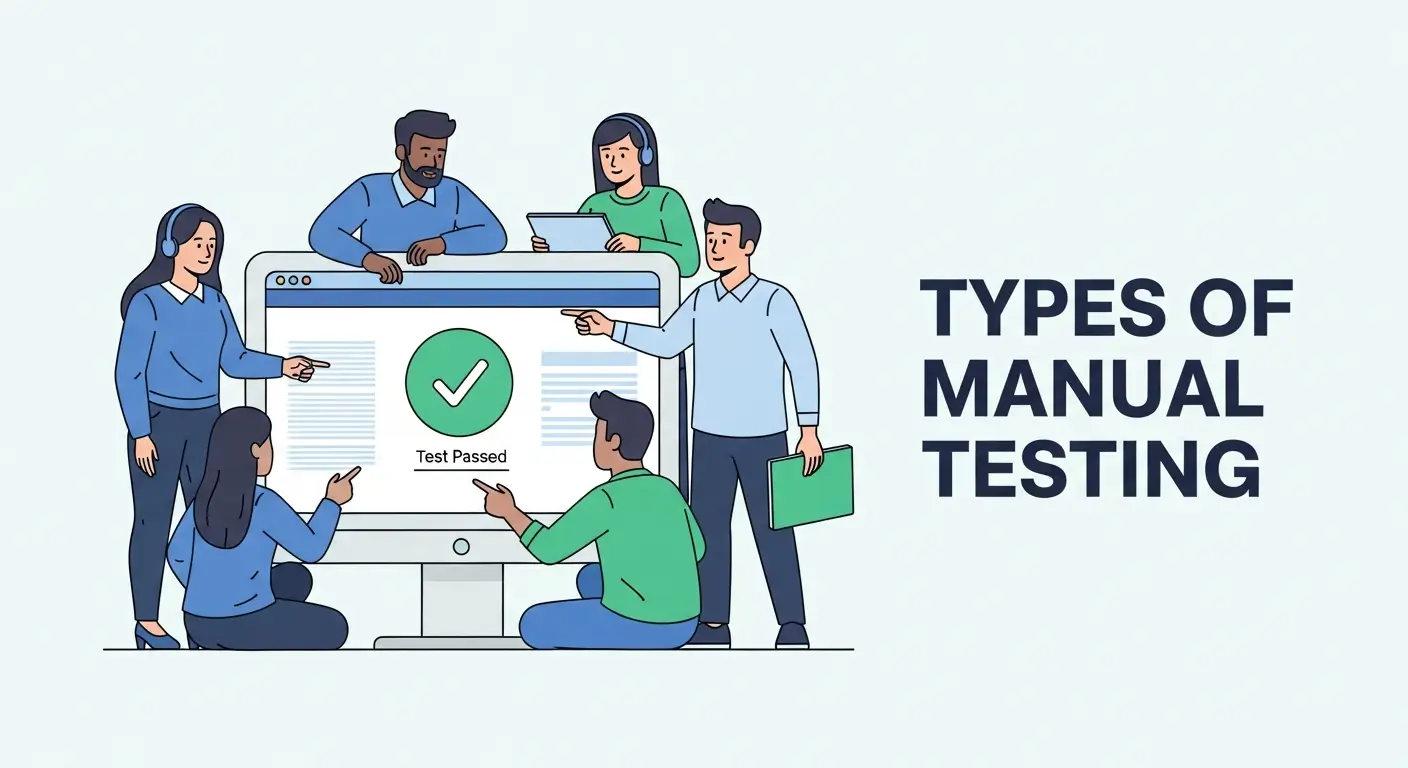
At its core, manual testing is the process of verifying the functionality, usability, and performance of a software application by a human tester, without the assistance of automated tools or scripts. The tester essentially acts as the end-user, navigating through the application features to identify bugs, defects, and inconsistent behavior.
While automation is excellent for repetitive tasks and load checking, manual testing excels in areas requiring nuance, visual feedback, and human intuition. It requires a tester to play the role of a detective, looking not just for what is broken, but for what is confusing or inefficient.
Manual Testing vs. Automation: Why Manual Still Matters
Before diving into the specific types, it is essential to answer a common question in the industry: Why bother with manual testing in the age of automation?
While automation is faster at executing repetitive data entry, it lacks the cognitive ability to judge “quality” beyond pass/fail criteria. There are distinct phases in the development cycle where manual testing outperforms automation, particularly when the testing requires cognitive reasoning, visual inspection, or exploring the “unknown unknowns” of a new feature.
Here is why manual remains indispensable:
- Usability and User Experience (UX): Automation scripts cannot judge “look and feel.” Only a human can determine if an interface is cluttered, if colors clash, or if a user journey feels clunky and frustrating.
- Cost-Effectiveness for Short Projects: For small applications with short lifecycles, the time and cost required to write and maintain automation scripts often outweigh the benefits. Manual testing is faster to deploy in these scenarios.
- Ad-hoc Testing: When a tester needs to randomly check the system without a pre-defined path or script, manual testing is the only way to go.
- Exploratory Nature: Humans can learn, adapt, and pivot during testing; scripts simply follow orders. If a script hits a roadblock, it fails. If a human hits a roadblock, they investigate why.
The Three Core Categories of Testing Approaches
To understand the specific types of testing, we must first categorize them by how much access the tester has to the underlying code structure.
1. Black Box Testing
In Black Box Testing, the tester has no knowledge of the internal code structure, implementation details, or internal paths. The software is treated as a “black box.” The tester inputs data and observes the output. This is the most common form of manual testing as it strictly simulates the user’s perspective. The focus is entirely on functionality and interface.
2. White Box Testing
Conversely, White Box Testing (also known as Clear Box or Glass Box Testing) requires a profound knowledge of the internal code, structure, and logic. This is typically performed by developers or specialized SDETs (Software Development Engineers in Test) to ensure that internal operations and loops perform according to specifications.
3. Grey Box Testing
As the name implies, Grey Box Testing is a hybrid. The tester has limited knowledge of the internal workings (e.g., access to database diagrams, API documentation, or design documents) but tests the application primarily from the user interface (UI). This allows for more targeted test cases than Black Box testing.
Functional Testing Types
Functional testing focuses on what the system does. It verifies that the application functions according to the requirement specifications provided by the business.
Unit Testing
While often associated with automation, Unit Testing usually starts manually. It involves testing individual components or modules of a software application. The goal is to validate that each unit of the software code performs as expected. In a manual context, a developer might manually invoke a method or function to see if it returns the correct value before writing a permanent script for it.
Integration Testing
Once individual units are tested and verified, they are combined. Integration Testing checks the data flow and interface between these modules. For example, verifying that the “Login” module correctly passes user session data to the “Dashboard” module.
- Big Bang Approach: Integrating all modules at once (high risk).
- Incremental Approach: Integrating modules one by one (Top-down, Bottom-up, or Sandwich).
System Testing
This is the heart of QA. System Testing validates the complete and fully integrated software product. The purpose is to evaluate the system’s compliance with the specified requirements. This covers the entire user flow—from launching the app, performing transactions, to closing the app—ensuring all components work together harmoniously.
User Acceptance Testing (UAT)
This is the final phase of functional testing before the software goes live. UAT is performed by the client or the end-user in a real-world environment. The goal isn’t just to find bugs (though that helps), but to verify that the software handles real-world business scenarios.
- Alpha Testing: Performed by internal teams at the developer’s site.
- Beta Testing: Released to a limited audience outside the company to gather feedback in “wild” environments.
Non-Functional Testing Types
Non-functional testing focuses on how the system performs. It looks at attributes like speed, scalability, reliability, and maintainability.
Usability Testing
This is strictly a manual testing domain. Usability Testing assesses how user-friendly the application is. Testers look for:
- Ease of navigation.
- Clarity of content and text.
- Intuitiveness of the design.
- Aesthetic consistency.
If a user has to click five times to find the “Sign Out” button, the function works technically, but the usability fails.
Compatibility Testing
In our fragmented device landscape, Compatibility Testing is vital. Manual testers verify that the software works consistently across:
- Browsers: Chrome, Firefox, Safari, Edge, Opera.
- Operating Systems: Windows, macOS, Linux, Android, iOS.
- Hardware Configurations: Low-end devices with limited RAM vs. high-end devices.
Localization and Internationalization Testing
If your software targets a global audience, manual testers must verify that the software adapts to different languages and regional settings. This includes checking currency formats, date/time formats, text expansion (German text is often longer than English), and the cultural appropriateness of images and icons.
Specialized Manual Testing Techniques
Beyond the standard categories, experienced manual testers utilize specific techniques to uncover deep-rooted defects that structured tests might miss.
Smoke Testing
Also known as “Build Verification Testing,” Smoke Testing involves a non-exhaustive set of tests that aim to ensure that the most critical functions work. It determines if the build is stable enough to proceed with further testing. If the “smoke” clears (i.e., the app doesn’t crash on launch), detailed testing begins.
Sanity Testing
Often confused with Smoke Testing, Sanity Testing is performed after the build has passed the smoke test and undergone bug fixes. It is a subset of regression testing that focuses on specific functionality to ensure that code changes haven’t introduced immediate, obvious faults. It is deep and narrow, whereas smoke testing is wide and shallow.
Regression Testing (Manual)
Whenever code is changed, there is a risk that existing features may break. Regression Testing ensures that new code updates do not adversely affect existing functionalities. While this is a prime candidate for automation, manual regression is often required for complex UI interactions that scripts miss or for features that change too frequently to automate.
Exploratory Testing
This is arguably the most creative form of manual testing. In Exploratory Testing, there are no predefined test cases. The tester relies on their experience, intuition, and curiosity to “explore” the application. They learn the system on the fly and design tests simultaneously. This helps uncover edge cases and logical loopholes that structured test plans often miss.
The Manual Testing Lifecycle
To ensure efficiency, manual testing should follow a structured lifecycle:
- Requirement Analysis: Understanding what needs to be tested and checking for contradictions in the requirements.
- Test Plan Creation: Defining the strategy, scope, resources, and schedule.
- Test Case Design: Writing detailed steps (scenarios) to validate requirements, including expected results.
- Test Execution: Running the test cases manually and recording actual results.
- Defect Logging: Reporting bugs with clear steps to reproduce, severity, and priority.
- Defect Fix & Re-verification: Testing the fixes provided by developers to ensure the bug is gone and no new bugs were created.
Best Practices for Effective Manual Testing
To excel as a manual tester or to manage a successful QA team, adhere to these best practices:
- Think Like a User: Always prioritize the user’s perspective over the developer’s logic. If it confuses the user, it is a bug.
- Clear Bug Reports: A bug report should be concise yet comprehensive. Include screenshots, videos, logs, and step-by-step reproduction instructions.
- 100% Coverage is a Myth: You cannot test everything. Prioritize critical business paths and high-risk areas using risk-based testing.
- Maintain Documentation: Keep your test cases updated. Outdated test cases lead to false positives and wasted time.
- Communication is Key: Build a rapport with developers. QA is not about pointing fingers; it is about collaborative quality improvement.
Conclusion
While the allure of automation is undeniable, manual testing remains the backbone of software quality assurance. From the structured approach of System Testing and Integration Testing to the intuitive nature of Exploratory and Usability Testing, the human touch is essential for creating software that humans actually want to use.
However, executing these strategies effectively requires significant time, resources, and expertise. For organizations that lack the internal bandwidth to maintain such rigorous standards, partnering with professional Manual Testing Services can be a game-changer. These experts can provide the dedicated attention and specialized skills needed to ensure your product is flawless before it hits the market.
By understanding the different types of manual testing and knowing when to apply them—or when to outsource them—you ensure a robust product that stands up to market demands. Quality isn’t just about code that compiles; it’s about an experience that delights.
You Might Also Like